A parts list is, so to speak, the table of contents of a product which is produced or arranged by your company. All items and services flow in onto this parts list. Therefore, products that have a parts list have no fixed price. This varies on the basis of different measurements, parts and declared values of the comprised positions (item and services). However, outwardly a parts list appears always as a single item. Also, the internal use is the same as that of an item. In order to be able to program a parts list, one must know how such a parts list is processed, what the variables, place holders and operators are, and which of them are available.
Processing of the parts list
Ingenious.V12 covers the entire parts list line by line from the top.
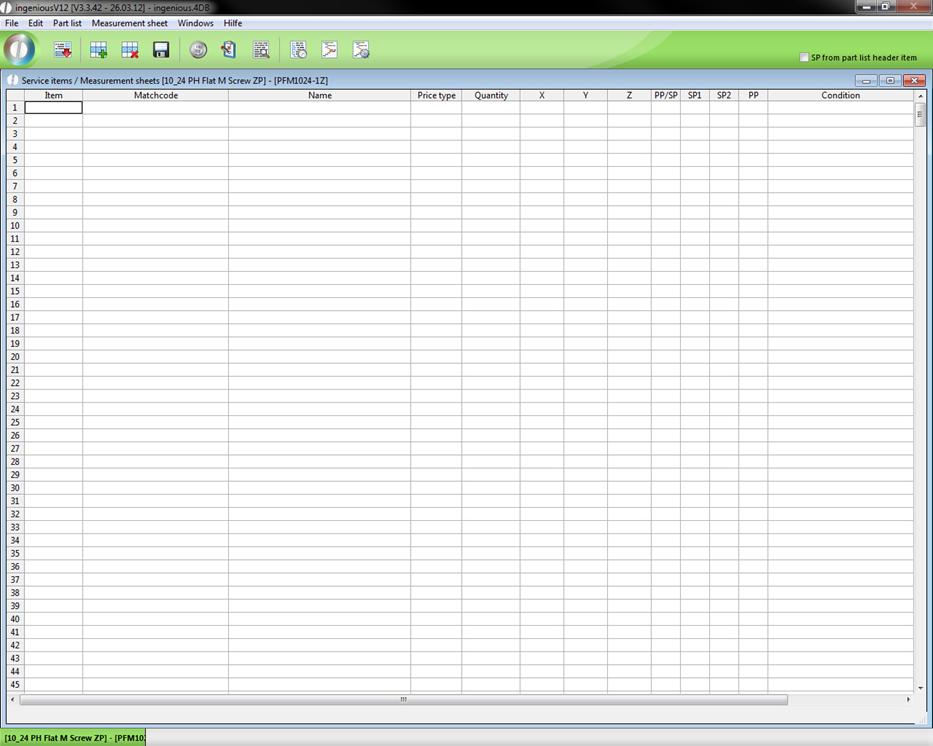
View of the editing activity
First the cell, “Condition” of the corresponding row is always checked. If no condition exists or if the condition applies, the row is edited. If the condition does not apply, then the Ingenious.V12 row is completely ignored or skipped.
Place holder for parts lists
First it has to be clarified, what the differences between place holders and variables are.
1. The names of the place holders are predetermined.
2. Place holders are always automatically allocated with a value.
3. The content of the place holders can not be directly changed.
There are a lot of place holders in Ingenious.V12 that are used in the parts lists and are briefly listed here:
jum.x First measurement of the parts list
i.e. The width of the surface of the blind
jum.y Second measurement of the parts list
i.e. The height of the surface of the blind
jum.z Third measurement of the parts list
i.e. The depth of the surface of the blind
jum.m Number of parts lists
i.e. Number of blinds
jum.SP Continuous sum of the selling price
i.e. Current selling price of the blind
jum.PP Continuous sum of the purchase price
i.e. Current purchase price of the blind
Variables of parts lists
In contrast to place holders, variables can be provided with an individual name. In order to do this, you must only enter the desired variable name in the column, “Pos”.
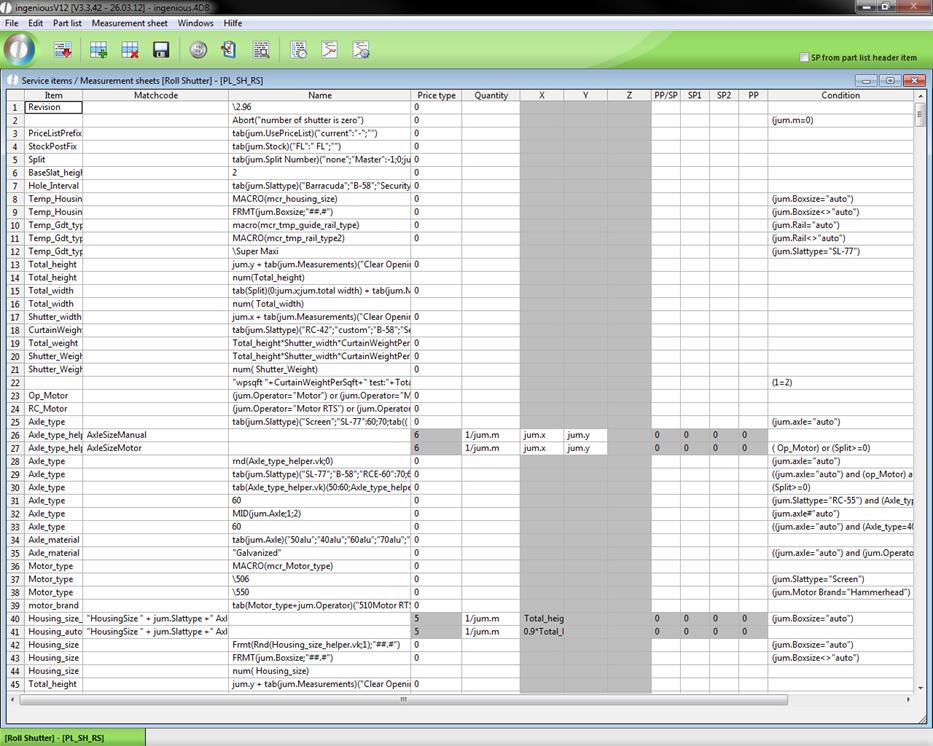
In this way you can assign the value from the field, “Name” (from the same line) to the variable. You can now use this variable in other fields to calculate prices, measurements or amounts.
Operators of parts lists
To calculate the variables or place holders, the common mathematical operators “+”, “-”, “*”, “/” and “()”, as well as the trigonometric functions, “SIN”, “COS”, “TAN” are available to you in Ingenious.V12.
Example: sin (45) = 0.7071
cos (45) = 0.7071
tan (45) = 1
Furthermore, there is still the modulo operator (“MOD”) and the integer division (“\”).
With an integer division, a whole number (without decimal places) always comes out.
Example: 5 \ 3 = 1 (1.66~)
9 \ 3 = 3 (3.0)
9 \ 2 = 4 (4.5)
The Modulo Operator gives back the rest of an integer division as a value.
Example: (5) % (3) = 2
(9) % (3) = 0
(9) % (2) = 1
In addition, the operators of the return of the arc tangent (atn), the exponents (exp), the natural logarithm (log), the root (sqr) and the absolute amount (ABS) are available.
Example: atn(45) = 1,5485
exp(45) = 3,49342e19
log(45) = 3,8066
sqr(45) = 6,7082
ABS(-45) = 45